The nook doesn’t have passwords

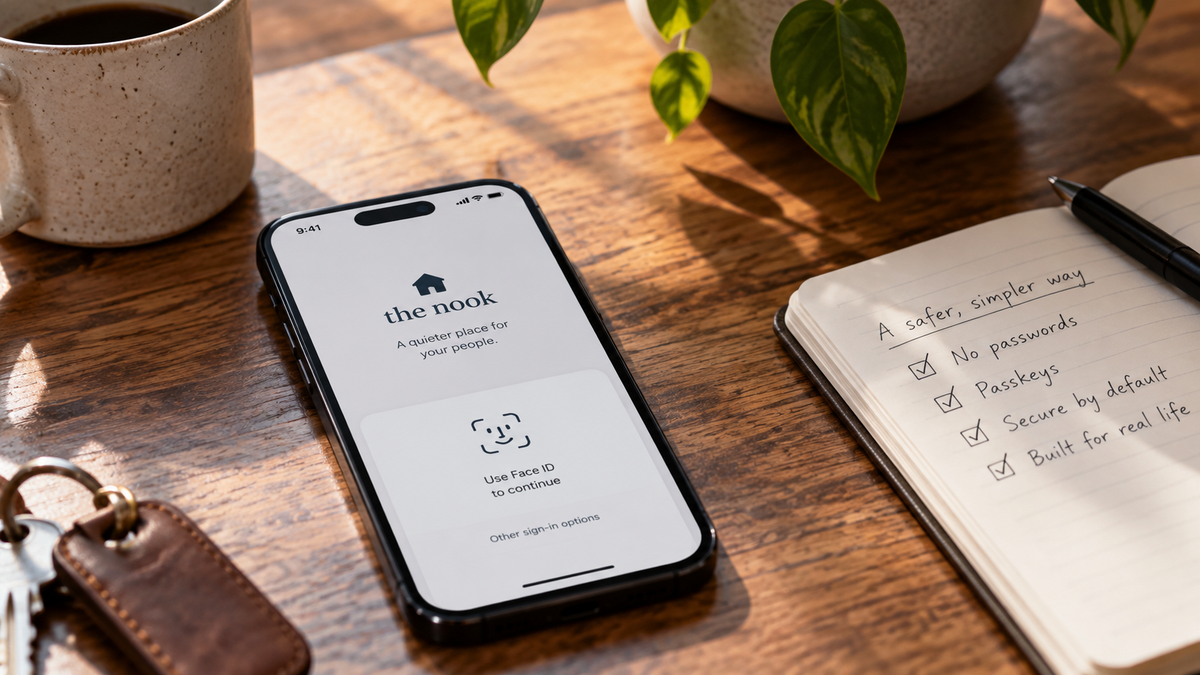
The nook doesn't have passwords.
This was one of those decisions that felt wonderfully simple when we first made it. Passwords are annoying, people forget them, people reuse them, and every application seems to have slightly different ideas about whether your password needs a number, a symbol, a capital letter or a small blood sacrifice.
So we got rid of them.
Unfortunately, removing passwords doesn't remove the problem passwords were trying to solve. We still need to know that you're you. We need to make it difficult for somebody else to become you. And, perhaps most awkwardly, we need to work out what happens when you lose the thing you normally use to prove you're you.
That last one has occupied rather more of my time than I expected.
Your phone gets you through the door
When you create an account on the nook, your phone number is the starting point. We send you a code to prove that the number belongs to you, and from there you set up a passkey.
If you've encountered passkeys before, you'll know they're increasingly replacing passwords across the internet. Your phone or computer holds the credential and you unlock it in the way you already unlock your device: a fingerprint, your face, a PIN or whatever you've chosen.
The important bit is that the nook never needs to know the thing you use to unlock it. We don't receive your fingerprint or a photograph of your face, and there isn't a password sitting in our database waiting for somebody to steal it.
For most people, the experience should be remarkably uneventful. You open the nook, your device recognises you, and you're in.
That's exactly how we'd like it to stay.
The engineering underneath it is considerably less uneventful.
Then you drop your phone in the sea
Security systems are quite easy to design if you assume nothing ever goes wrong.
Unfortunately, people buy new phones. Phones get stolen. Laptops die. People accidentally delete things. Sometimes a device presumably ends its life at the bottom of a toilet (this was, in fact, how I lost my lovely Samsung PDA Phone back in college).
So account recovery becomes important.
The obvious solution is the one we've all used hundreds of times: put an email address into a box, receive a link and reset your password.
Except we've just spent all this effort getting rid of the password.
More importantly, account recovery is effectively another way to log in. It doesn't matter how sophisticated the front door is if there's a spare key permanently sitting underneath the plant pot.
We've therefore spent quite a lot of time thinking about recovery.
Our current approach gives you recovery words when you set up your account. They're something you can store somewhere safe and use if you ever lose access to your normal devices.
There are deliberately several words. A short recovery code is easier to type, but it's also easier to guess. A sufficiently long sequence can be extremely difficult to guess while still being something a human can copy onto paper and put somewhere sensible.
Yes, paper.
Occasionally the cutting edge of software security is apparently writing something down and putting it in a drawer.
Private means thinking about the boring bits
This probably isn't the feature anybody will join the nook for.
Nobody is going to tell their friends, "You've got to try this new social network, the account recovery process is excellent."
But these decisions matter because of what we want people to eventually put inside the nook.
If we're asking you to treat it as a private place for your family and friends, there may eventually be years of photographs, conversations and memories attached to an account. "We sent a reset link to an email address you haven't used since 2017" starts to feel a little inadequate.
At the same time, there's another extreme we want to avoid. We could make account recovery phenomenally secure by requiring twelve passwords, a hardware security key, three forms of identification and the physical presence of a notary.
Nobody would use it.
Security only works if the humans involved can actually live with it.
That's the balance we're trying to find: make the normal experience almost invisible, make the unusual experience understandable, and don't quietly create an enormous hole in the security model because recovery was inconvenient to design.
This is still being built
There are details here we're continuing to work through, and some of them will almost certainly change as Arrah and I start putting the nook in front of other people.
That's part of why we're talking about these decisions now. It's tempting to wait until everything is finished and then write a neat explanation of why we designed it this way. Real product development isn't usually that neat.
You make a decision. It exposes another problem. You solve that problem and discover two interesting edge cases hiding underneath it. Eventually something that began with "let's just not have passwords" has a document describing what happens when someone loses every device they own.
But the original idea still feels right to us. For something that's supposed to become a private space for the people you care about, security shouldn't be an optional extra buried somewhere in the settings.
Ideally, most of the time, you shouldn't have to think about it at all.